Teams

Using MCP servers in your Teams agent to connect to external tools
Teams Using MCP servers in your Teams agent to connect to external tools

Back when I built the SPAdminBot in 2017, every new capability meant the same dance: write a new dialog, add a new LUIS intent, wire up the API call, test it, deploy it. Want the bot to check storage usage? That’s a new dialog. Want it to search documents? Another dialog. Want it to do anything with Azure DevOps? Well, now you’re building a second bot or cramming two completely unrelated services into one increasingly messy codebase. I lived that life for years, and I suspect you have too.

Read Using MCP servers in your …

Migrating your automated webhook systems from Office 365 Connectors to Power Automate Workflows
Teams Migrating your automated webhook systems from Office 365 Connectors to Power Automate Workflows

Way back in 2016 I wrote about sending Application Insights alerts to Microsoft Teams using incoming webhooks. That was one of the first things I built when Teams launched and it’s been humming along in various forms ever since. Then in 2023 I went deeper and showed you how to authenticate those webhooks because the anonymous nature of those connector URLs was, well, a security problem. Now Microsoft is pulling the plug. Office 365 Connectors are retiring on April 30, 2026, and every migration guide I’ve seen focuses on the admin experience: clicking through Power Automate, selecting a template, done. But what about those of us who have actual code that POSTs to those URLs? What about the Azure Functions, the Logic Apps, the little C# services that have been faithfully sending MessageCards for years? That’s what we’re going to cover here.

Read Migrating your automated …
Building a declarative agent for Microsoft 365 Copilot with the M365 Agents Toolkit
Teams Building a declarative agent for Microsoft 365 Copilot with the M365 Agents Toolkit

Back in 2017, I built the SPAdminBot. It was a bot that could create site collections, look up site info, reindex webs, all through a conversational interface in Teams. I was pretty proud of it at the time. It required the Bot Framework SDK, a LUIS model for natural language understanding, custom dialogs to manage conversation flow, an Azure App Service to host it, a CI/CD pipeline to deploy it, and a few hundred lines of C# to glue everything together. That was the cost of entry for a conversational bot in 2017.

Read Building a declarative agent …
From Azure DevOps to GitHub Actions: migrating your Teams app CI/CD pipeline
Teams From Azure DevOps to GitHub Actions: migrating your Teams app CI/CD pipeline

Back in 2020 I wrote a post about setting up CI/CD for Teams apps with Azure DevOps. That post covered the full flow: build your bot, package the manifest, deploy to Azure, and push the Teams app to your tenant catalog. It worked great and I’ve been running variations of that pipeline ever since. But things have changed. Since February 2025, the Basic Azure DevOps license is free if you have GitHub Enterprise Cloud. Read that again. Microsoft isn’t charging separately for Azure DevOps anymore if you’re already paying for GitHub. The direction couldn’t be more clear.

Read From Azure DevOps to GitHub …
API-based Message Extensions: Teams extensibility without a bot
Teams API-based Message Extensions: Teams extensibility without a bot

If you’ve been following this blog for a while, you might remember the Teams Ramp-Up series I did back in 2019. Four posts. Four! Just to get from zero to a working Teams app. Setting up the dev environment, figuring out ngrok, registering a bot, wiring up the manifest. And that was the simple path. API-based Message Extensions are now GA and honestly, they make all of that feel like we were doing things the hard way. Because we were.

Read API-based Message Extensions: …
Migrating a Bot Framework v4 bot to the Teams SDK
Teams Migrating a Bot Framework v4 bot to the Teams SDK

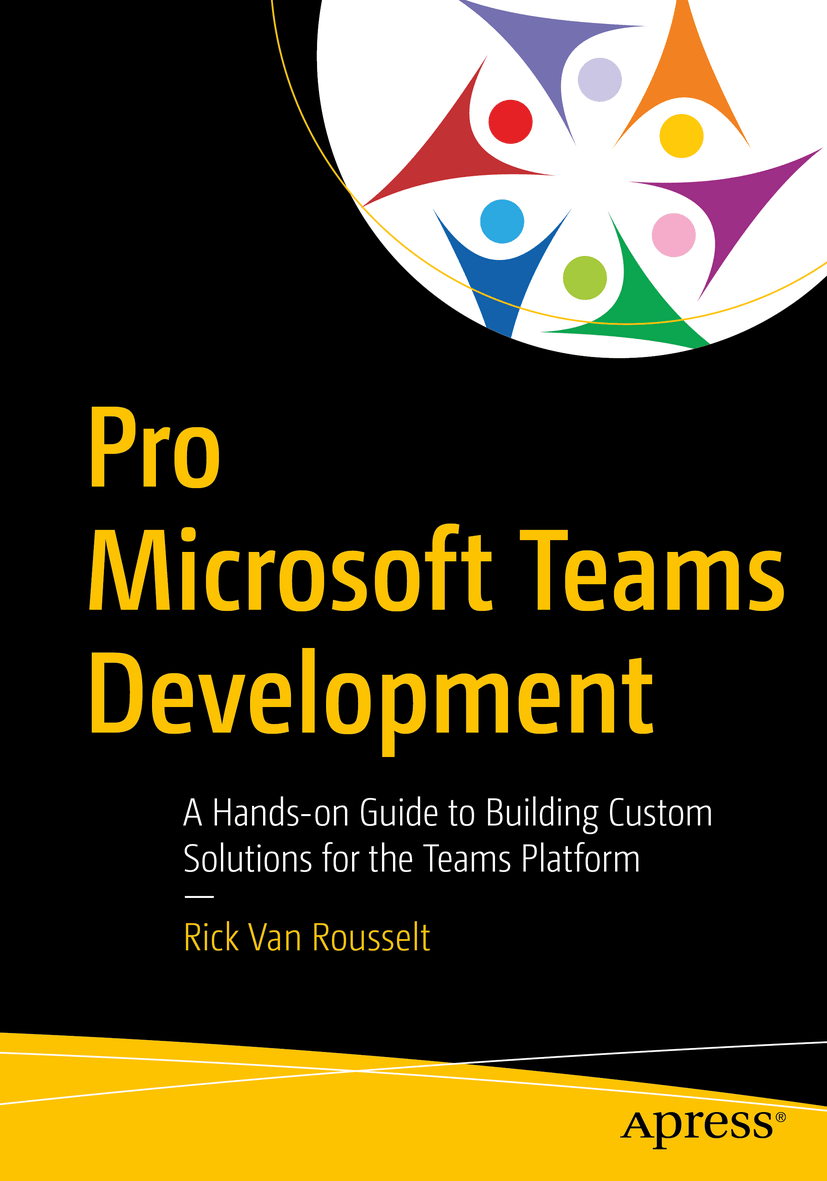
I’ve been building Teams bots since 2017. It started with my post about the SPAdminBot, then I went deeper with authenticated webhooks in Teams, and at some point I even wrote an entire Apress book on Teams development. Safe to say I’ve spent a fair amount of time with the Bot Framework SDK. So when Microsoft announced that Bot Framework SDK v4 would reach end-of-support on December 31, 2025, I knew I had some work ahead of me. No more security patches, no more bug fixes. Time to migrate.

Read Migrating a Bot Framework v4 …
Continuous integration and deployment for Microsoft Teams with Azure DevOps
Teams Continuous integration and deployment for Microsoft Teams with Azure DevOps

When developing apps for Microsoft Teams you, of course, want to use the full power of Azure DevOps to create a CI/CD pipeline. There are numerous ways to do this but I thought I would write down the way I use it so that it might help you set this up. The example I’m using here is specific for a Teams app with a bot written in C#. In Node.JS there are some other tweaks but that’s for another time.

Read Continuous integration and …
Getting started with Microsoft Teams Development – Part 4
Teams Getting started with Microsoft Teams Development – Part 4

In this post we will go deeper on creating Configurable Tabs in Microsoft Teams. Like I already mentioned a configurable tab can be part of a channel or a groupchat. So think about what information you are going to show here. It’s should provide information that is helpful to an entire team. And remember that a user can configure the tab experience the first time it’s added.

Read Getting started with Microsoft …

Rick Van Rousselt

Photo of Rick Van Rousselt

Hi there,

I’m Rick and I am a Microsoft 365 consultant living in Belgium. I’ve been working with SharePoint since 2007 and recently I’ve made the transition to Office 365. My main focus is development but as you all know… working with SharePoint requires you to know a little bit from everything. I have started my own company called Rivaro Consultancy in 2014. This allowed me to shift my focus to Office 365. This pushed me to become a versatile expert in both SharePoint, Office 365 and all related technologies. My inquisitive disposition encourages me to continuously gain knowledge and share insights with everyone that shares the same interests. I’m currently working at Advantive where I am responsible for promoting the use of Office 365, SharePoint and Azure. This allows me to do talks all over the world which I love to do.

Know More

Social

Microsoft MVP Logo
BIWUG Belgian Information Worker User Group logo
Advantive logo
Pro Teams Development book cover