Teams

Getting started with Microsoft Teams Development – Part 3
Teams Getting started with Microsoft Teams Development – Part 3

After setting up your development environment and getting ramped up with ngrok we will start developing our first Teams app. The quickest way to start is with App studio. App Studio is a Microsoft app from the Teams store especially created for helping you with Teams development.

Read Getting started with Microsoft …
Teams Speed up your Microsoft Teams development

When developing a Microsoft Teams solution in C# with Visual Studio, I often find myself changing the manifest file. Mainly because I use ngrok to tunnel from Teams to my local development machine. So every time I fire up a new instance of ngrok I need to change the manifest file to a new endpoint url. A quick trick to make this process faster is adding the needed files to my solution. This way I keep it all in one place.

Read Speed up your Microsoft Teams …
Success With Microsoft Teams
Teams Success With Microsoft Teams

When working with several customers it has come to my attention that there are still a lot of people who do not know that there is a dedicated website and YouTube channel for information on Microsoft Teams. So just to make sure that everybody knows go to https://www.successwithteams.com (redirects to https://docs.microsoft.com/nl-nl/MicrosoftTeams/Microsoft-Teams) and https://www.youtube.com/channel/UCs2IXBqperxWVe2ozrr3Gdg/videos Hope it helps…

Read Success With Microsoft Teams
Send your application Insights Alert Data to Microsoft Teams
Teams Send your application Insights Alert Data to Microsoft Teams

When testing out Microsoft Teams and reading up on the documentation I noticed that the webhooks that work in Teams are the same as in an Office 365 group. This is great news because we already know how to connect to a Office 365 group using a webhook and it’s already documented by Microsoft and many others. So lets get started on getting our alerts into our team.

Read Send your application Insights …

Rick Van Rousselt

Photo of Rick Van Rousselt

Hi there,

I’m Rick and I am a Microsoft 365 consultant living in Belgium. I’ve been working with SharePoint since 2007 and recently I’ve made the transition to Office 365. My main focus is development but as you all know… working with SharePoint requires you to know a little bit from everything. I have started my own company called Rivaro Consultancy in 2014. This allowed me to shift my focus to Office 365. This pushed me to become a versatile expert in both SharePoint, Office 365 and all related technologies. My inquisitive disposition encourages me to continuously gain knowledge and share insights with everyone that shares the same interests. I’m currently working at Advantive where I am responsible for promoting the use of Office 365, SharePoint and Azure. This allows me to do talks all over the world which I love to do.

Know More

Social

Microsoft MVP Logo
BIWUG Belgian Information Worker User Group logo
Advantive logo
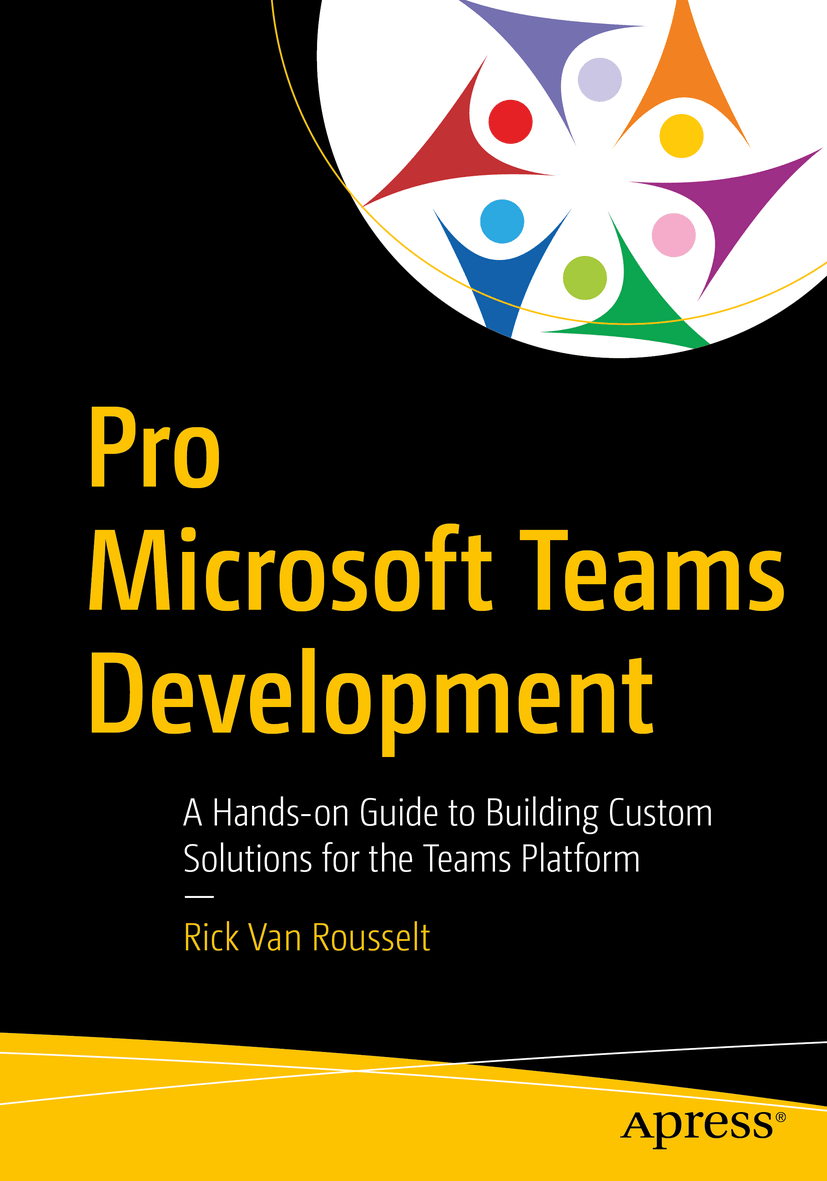
Pro Teams Development book cover