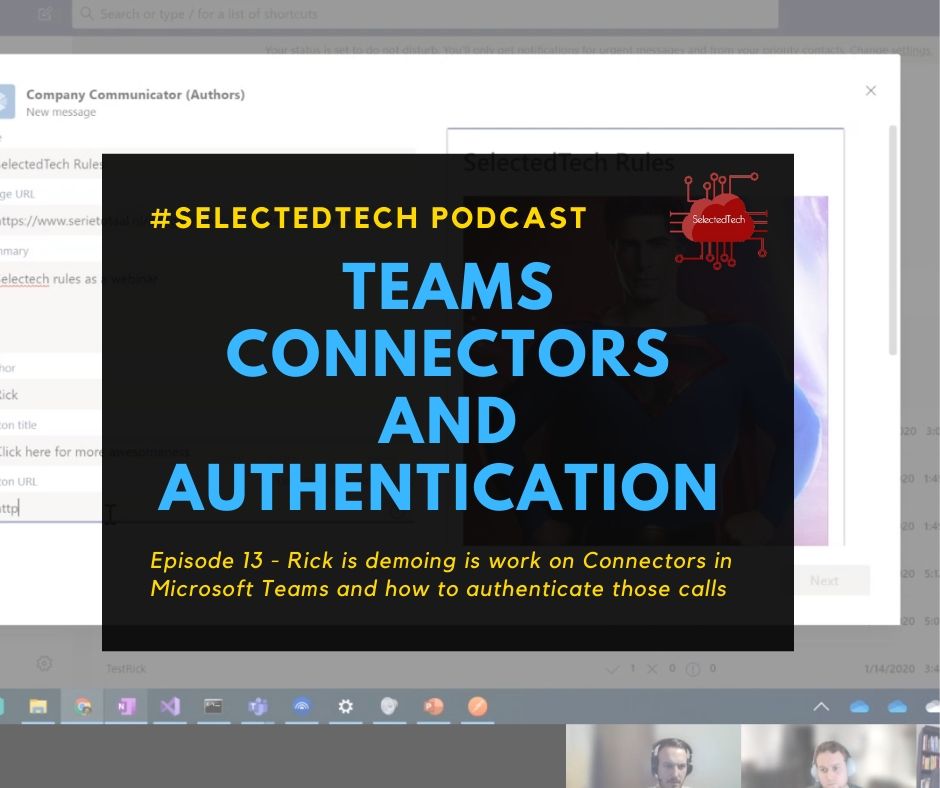
This blogpost is also covered in an episode of SelectedTech about authenticated webhooks in Teams. Which I regularly do with my partners in crime Appie, Thomy and Stephan.
Read Authenticated webhooks in …
This blogpost is also covered in an episode of SelectedTech about authenticated webhooks in Teams. Which I regularly do with my partners in crime Appie, Thomy and Stephan.
Read Authenticated webhooks in …
So you are building an application. When following most of the guidelines you find online they will tell you that you will need to use an Azure AD App Registration. This Azure App registration will provide you access to an Office 365 service like the Microsoft Graph, SharePoint, Exchange,… This can either be delegated or application permissions. This post is about application permissions.
Read Stop using ClientID and Secret …These are the default Service Principals installed in a new Tenant.
Read Azure Default Service …
Sometimes we still have to support some legacy code. And provider-hosted apps in SharePoint are one of the pains we still have to maintain. Since the announcement of Microsoft to only allow TLS 1.2 connections to Office 365 starting June 2020 we started to update legacy provider-hosted apps.
Read SharePoint Provider hosted app …
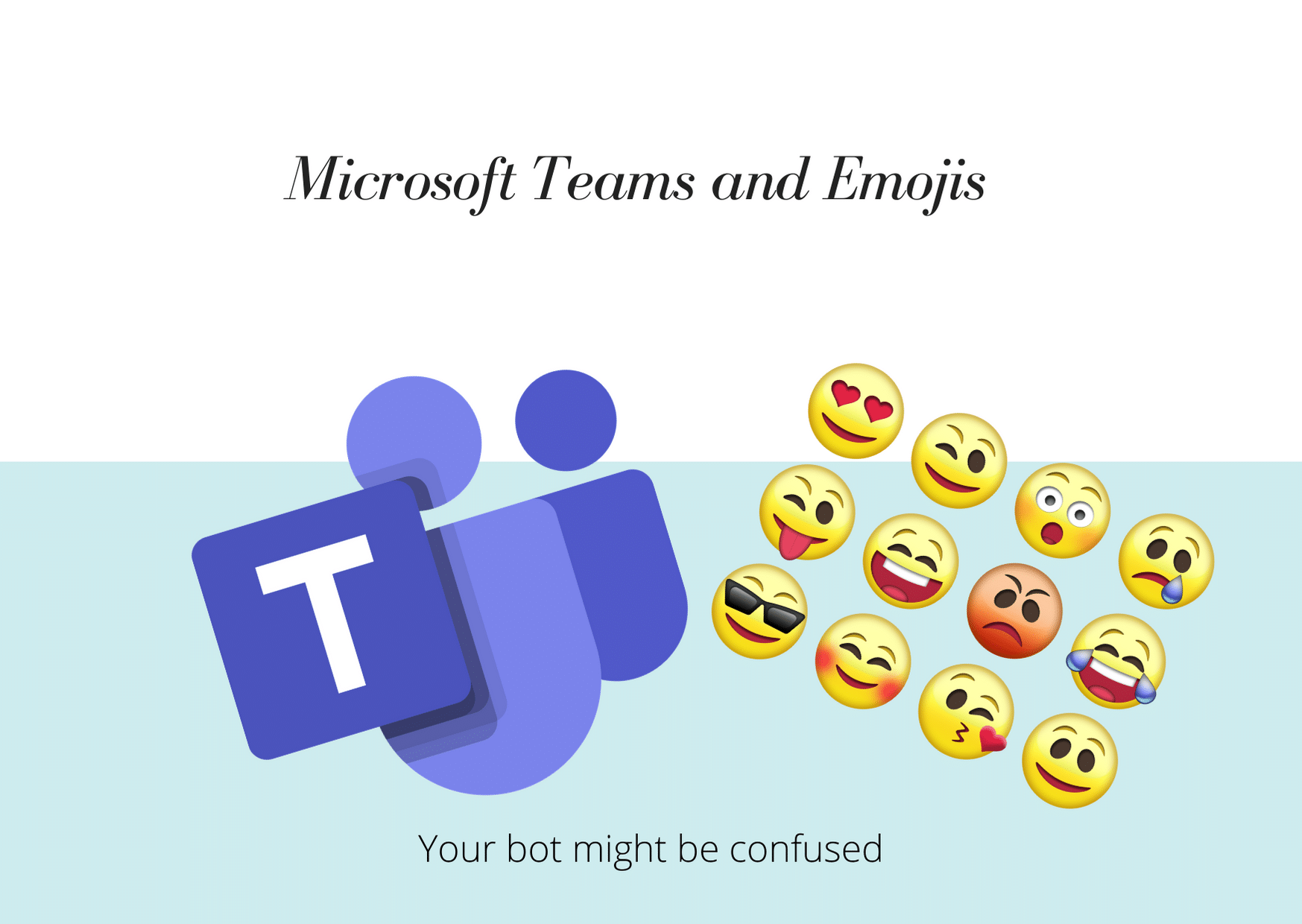
When building bot’s for Microsoft Teams you have to keep in mind that Microsoft Teams acts differently when sending emojis. When testing out a bot I was building I always got an error when sending 😊. When testing out the bot in the emulator it always worked. Why is this?
Read Microsoft Teams Bot - Watch …
When developing apps for Microsoft Teams you, of course, want to use the full power of Azure DevOps to create a CI/CD pipeline. There are numerous ways to do this but I thought I would write down the way I use it so that it might help you set this up. The example I’m using here is specific for a Teams app with a bot written in C#. In Node.JS there are some other tweaks but that’s for another time.
Read Continuous integration and …
In this post we will go deeper on creating Configurable Tabs in Microsoft Teams. Like I already mentioned a configurable tab can be part of a channel or a groupchat. So think about what information you are going to show here. It’s should provide information that is helpful to an entire team. And remember that a user can configure the tab experience the first time it’s added.
Read Getting started with Microsoft …
After setting up your development environment and getting ramped up with ngrok we will start developing our first Teams app. The quickest way to start is with App studio. App Studio is a Microsoft app from the Teams store especially created for helping you with Teams development.
Read Getting started with Microsoft …
This blogpost is part of a series about Microsoft Teams development. The other ones are:
Read Getting started with Microsoft …
In this ramp-up we will start from scratch with Microsoft Teams Development. Every week I will publish a post and in this blog series we will go through the different parts that are needed for Teams Development and the different possibilities with developing on the Teams platform. I will also make a video series of this with my fellow MVP Thomas Gölles
Read Getting started with Microsoft …