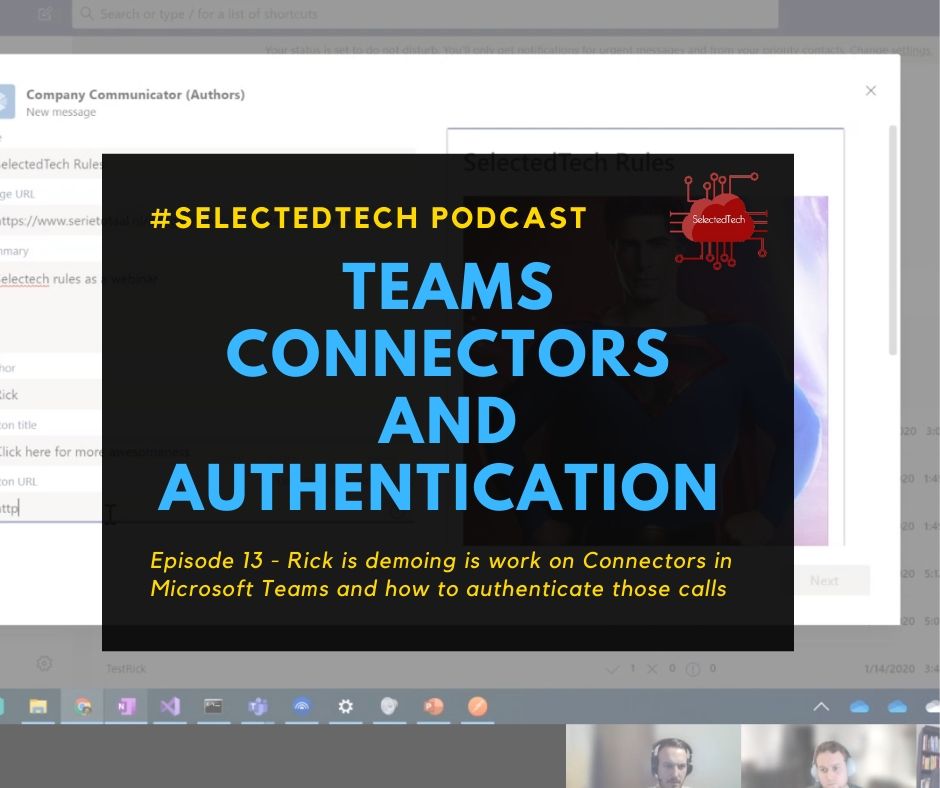
This blogpost is also covered in an episode of SelectedTech about authenticated webhooks in Teams. Which I regularly do with my partners in crime Appie, Thomy and Stephan.
Read Authenticated webhooks in …
This blogpost is also covered in an episode of SelectedTech about authenticated webhooks in Teams. Which I regularly do with my partners in crime Appie, Thomy and Stephan.
Read Authenticated webhooks in …
When developing apps for Microsoft Teams you, of course, want to use the full power of Azure DevOps to create a CI/CD pipeline. There are numerous ways to do this but I thought I would write down the way I use it so that it might help you set this up. The example I’m using here is specific for a Teams app with a bot written in C#. In Node.JS there are some other tweaks but that’s for another time.
Read Continuous integration and …
In this post we will go deeper on creating Configurable Tabs in Microsoft Teams. Like I already mentioned a configurable tab can be part of a channel or a groupchat. So think about what information you are going to show here. It’s should provide information that is helpful to an entire team. And remember that a user can configure the tab experience the first time it’s added.
Read Getting started with Microsoft …
After setting up your development environment and getting ramped up with ngrok we will start developing our first Teams app. The quickest way to start is with App studio. App Studio is a Microsoft app from the Teams store especially created for helping you with Teams development.
Read Getting started with Microsoft …
This blogpost is part of a series about Microsoft Teams development. The other ones are:
Read Getting started with Microsoft …
In this ramp-up we will start from scratch with Microsoft Teams Development. Every week I will publish a post and in this blog series we will go through the different parts that are needed for Teams Development and the different possibilities with developing on the Teams platform. I will also make a video series of this with my fellow MVP Thomas Gölles
Read Getting started with Microsoft …When developing a Microsoft Teams solution in C# with Visual Studio, I often find myself changing the manifest file. Mainly because I use ngrok to tunnel from Teams to my local development machine. So every time I fire up a new instance of ngrok I need to change the manifest file to a new endpoint url. A quick trick to make this process faster is adding the needed files to my solution. This way I keep it all in one place.
Read Speed up your Microsoft Teams …This is already the 5th part of our series. In this post will install SharePoint 2010 on our development environment. To shake this up a little lets not install this like we installed SharePoint 2013 but let’s use AutoSPInstaller (http://autospinstaller.codeplex.com/). You can also use this for the installation of SP2013 of you like.
Read Setup a SharePoint development …This is the 4th series of my post on how to set up a SharePoint Hyper-V virtual farm. In the previous posts we prepared our different servers, installed SQL and SharePoint 2013. In this post we will configure SharePoint 2013 with PowerShell. Like i already said in the previous post there will be some benefits of doing it this way. If you use the standard configuration setup wizard then SharePoint will create the databases and services for you. This also means that you don’t have control over their names, passwords or the accounts they run under.
Read Setup a SharePoint Development …This is the third part of my blog post on how to set up a development farm for SharePoint.
Read Setup a SharePoint development …