SharePoint, Teams, and Cloud

Teams Speed up your Microsoft Teams development

When developing a Microsoft Teams solution in C# with Visual Studio, I often find myself changing the manifest file. Mainly because I use ngrok to tunnel from Teams to my local development machine. So every time I fire up a new instance of ngrok I need to change the manifest file to a new endpoint url. A quick trick to make this process faster is adding the needed files to my solution. This way I keep it all in one place.

Read Speed up your Microsoft Teams …
Events Microsoft Tech Summit Amsterdam

The last 2 days I’ve been involved with the Microsoft Tech Summit which is a free event from Microsoft held in cities across the world. The one I attended took place in the RAI in Amsterdam. The event is quite big as there where more than 3000 attendees. The first day of the event they where 2 keynotes. One about Azure and one about Microsoft 365. I really liked the one about Microsoft 365 which was brought by Lori Wright. She’s a GM for Teams and Skype @Microsoft. After lunch I did a session on SharePoint Development in the Enterprise. It was a fun session and I had more than 200 people in the room. Of course looking at the feedback I got for such a big and diverse crowd you cannot please everybody. For some the session was to technical for others not technical enough. The second day there where 2 workshops planned where I helped out the attendees who followed the workshop. The first one was about Microsoft 365 security. Which is actually a topic which I don’t follow that much. So helping the attendees actually helped me also. The latest updates in this space are actually quite cool. And you can really see why Office 365 is getting all the security certifications nowadays because there is so much security build in and available that if you configure it right you and your company should be protected against most threats. The second workshop was about Microsoft Teams. As this topic is more close to my hearth this was actually a really fun workshop. You can really see the void that Microsoft Teams is filling up in the Office 365 space. People are really happy with the Agile development of Teams and the rapid release cycle that the product group is following. I can only recommend that if you have time next year to come to these kind’s of events as the latest and greatest news on Office 365 and Azure are shared here. Or if you have specific questions then there is always somebody from Microsoft or an MVP that available to answer them.

Read Microsoft Tech Summit …
Success With Microsoft Teams
Teams Success With Microsoft Teams

When working with several customers it has come to my attention that there are still a lot of people who do not know that there is a dedicated website and YouTube channel for information on Microsoft Teams. So just to make sure that everybody knows go to https://www.successwithteams.com (redirects to https://docs.microsoft.com/nl-nl/MicrosoftTeams/Microsoft-Teams) and https://www.youtube.com/channel/UCs2IXBqperxWVe2ozrr3Gdg/videos Hope it helps…

Read Success With Microsoft Teams
SharePoint Saturday Cambridge
Events SharePoint Saturday Cambridge

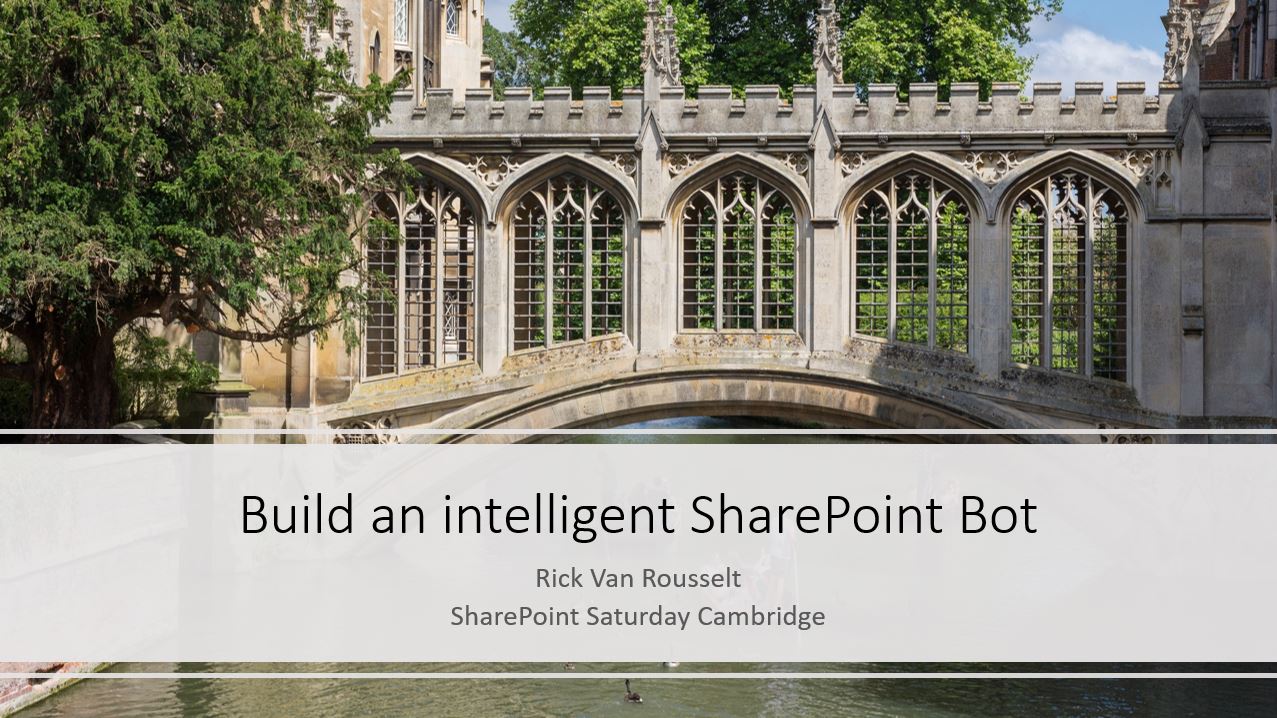
Today the wonderful city of Cambridge in the UK was host to another great SharePoint Saturday. As always in Cambridge this SharePoint Saturday is also a SQL Saturday. This always makes for a wonderful mix of attendees and speakers. This year I once again was given the opportunity to do a session. This time my session was about Bots, the Microsoft Bot Framework and LUIS (Language Understanding Intelligent Service) and how to implement these into SharePoint. It was once again another great SharePoint and SQL Saturday organized by Mark and Paul. You can find my slides below. If you have any questions feel free to reach out to me or to check out my code on GitHub.

Read SharePoint Saturday Cambridge
My slides from Tuga IT
Events My slides from Tuga IT

Last week Tuga IT was held in the beautiful city of Lisbon. This conference is unique because it combines several different technologies into one event. If your into SQL, SharePoint, Office 365, Azure, PowerShell, Windows development then this is a conference for you. And I am sure that I am forgetting something. The good thing about this is that if during the conference you get a little bit tired of listening about the same topic that you work with day in and day out. That you can sit in another totally different session and see how that technology is evolving. During Tuga IT I presented 2 sessions. One about the Azure Container Service and another one about the Microsoft Cognitive Services and in particular about the Language Understanding Intelligent Service (or LUIS.ai) for short. Below you can find my session slides and of course the demo’s I did are on GitHub. I’ve also include some pics from the conference itself.

Read My slides from Tuga IT
Techorama 2017
Events Techorama 2017

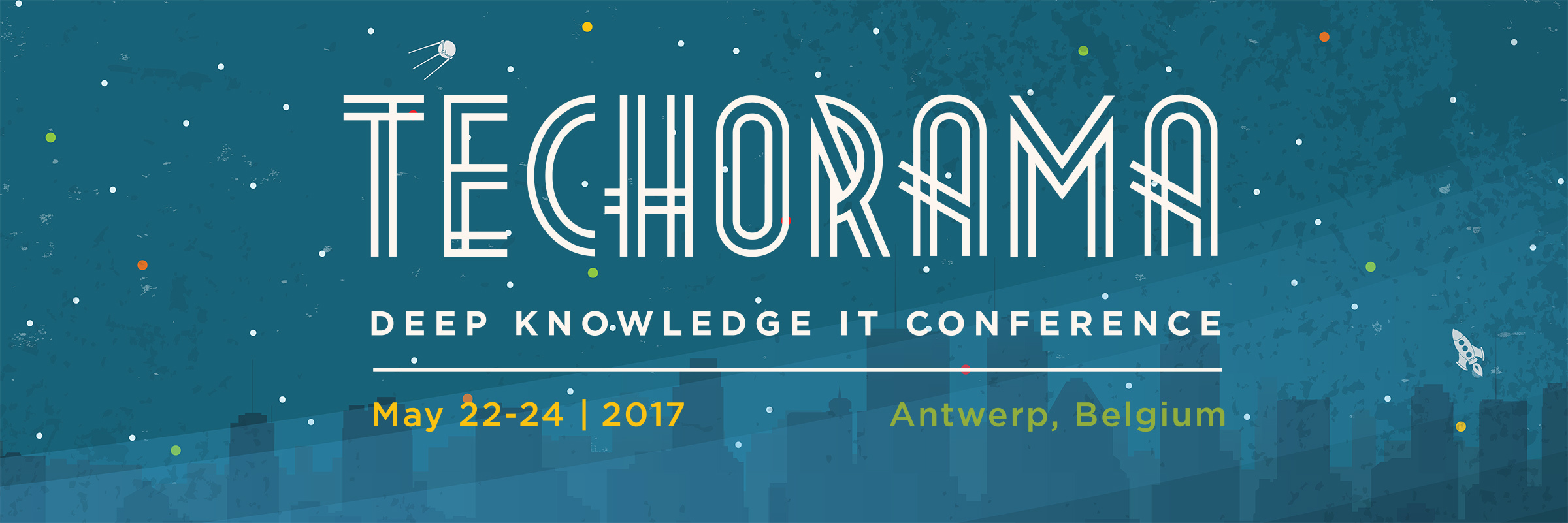
This week Techorama took place in the great city of Antwerp. This conference has been going on for several years now but this is the first time that they did it in Antwerp. They had a totally new venue which is actually a movie theatre. Yes, you read right. They rented an entire movie theatre to host the conference. I was lucky enough to get selected as a speaker for this conference and for me this was also a home game because I actually am born in Antwerp. I did a session about the Microsoft Cognitive Services and more specific about the Language Understanding Intelligence Service (LUIS.ai). The conference was well organized and the speakers but also the attendees where spoiled a lot during both days. We got ice-creams, waffles, BBQ, burgers and a whole lot more. It must have taken a lot of work for the organizers to setup such a great conference. It was actually the first time that they had SharePoint and Office 364 speakers at the conference. Normally this is just a development conference but now they expanded it for IT pro’s and also included SharePoint and Office 365. They even had Scott Guthrie to present the keynote on day 1.

Read Techorama 2017
Microsoft Bot Framework: Contextual authentication with the webchat control in SharePoint
Azure Microsoft Bot Framework: Contextual authentication with the webchat control in SharePoint

This post was stuck in my drafts folder for some time. I was doubting to post it because Richard diZerega has found a way better way to do the same thing. But I thought why not post it. There are always lots of ways to get the same result in development. I find his way better actually because I think my approach would have security issues.

Context

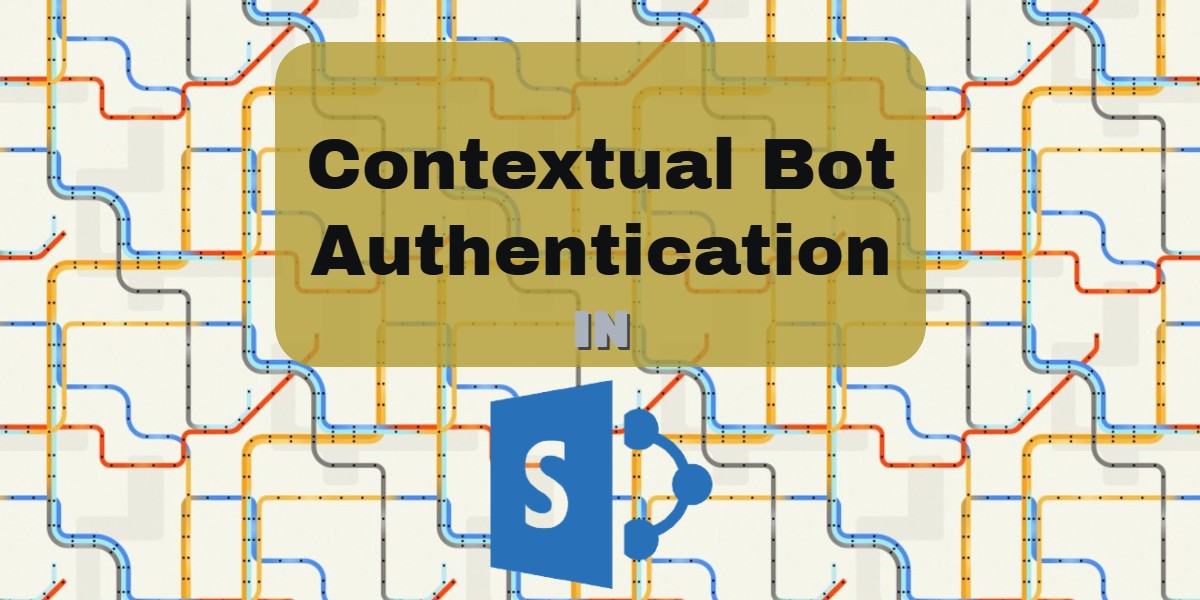
A while ago I read a blog post from Stéphane Eyskens who is a Microsoft MVP about authenticating a bot with ADAL so that you could call the Microsoft Graph with the token of the user in your bot. This then could be leveraged to get for instance the information or, as he uses in his blog, get the profile picture of the user talking to the bot. There is already a GitHub project for authenticating with the bot framework called the AuthBot but this includes a pop-up and copy pasting of code. As Stéphane also points out, in an enterprise context this is not something the end users are waiting for. They have to login enough into multiple systems on a regular working day. Now while playing around with the Bot framework and the webchat control I found out that the webchat control is actually open sourced. They made the code available on GitHub. So looking at this I noticed that, while Stéphane proposes a solution that incorporates a proxy, I found an alternative way of doing this. This way is more focused on incorporating the webchat into SharePoint Online and have contextual authentication.

Read Microsoft Bot Framework: …
New open source project: The SharePoint Admin Bot
SharePoint New open source project: The SharePoint Admin Bot

I’ve started a new open source project called the SharePoint Admin Bot or SPAdminBot for short. Why you ask? Because I got tired of doing and seeing people do the same tasks over and over again on SharePoint Online and Office 365. For something simple like creating a site collection you would always have to go into the admin portal and click through multiple pages to get the job done. These kinds of simple tasks can be easily done by a bot.

Read New open source project: The …

Rick Van Rousselt

Photo of Rick Van Rousselt

Hi there,

I’m Rick and I am a Microsoft 365 consultant living in Belgium. I’ve been working with SharePoint since 2007 and recently I’ve made the transition to Office 365. My main focus is development but as you all know… working with SharePoint requires you to know a little bit from everything. I have started my own company called Rivaro Consultancy in 2014. This allowed me to shift my focus to Office 365. This pushed me to become a versatile expert in both SharePoint, Office 365 and all related technologies. My inquisitive disposition encourages me to continuously gain knowledge and share insights with everyone that shares the same interests. I’m currently working at Advantive where I am responsible for promoting the use of Office 365, SharePoint and Azure. This allows me to do talks all over the world which I love to do.

Know More

Social

Microsoft MVP Logo
BIWUG Belgian Information Worker User Group logo
Advantive logo
Pro Teams Development book cover